
ColorOS 17 rollout is set to begin soon, offering exciting features for OPPO users. This article outlines the global timeline for eligible phones and what enhancements to anticipate.
What is ColorOS 17?
ColorOS 17 is the latest iteration of OPPO’s custom operating system, designed to enhance user experience across its smartphone lineup. This version introduces a range of innovative features and improvements, focusing on performance, security, and customization. With a refined interface, users can expect a more fluid and responsive interaction with their devices.
Among the standout features of ColorOS 17 are:
- Improved Multitasking: Enhanced split-screen capabilities allow users to run multiple apps simultaneously with ease.
- Privacy Enhancements: Advanced security measures protect user data and privacy more effectively.
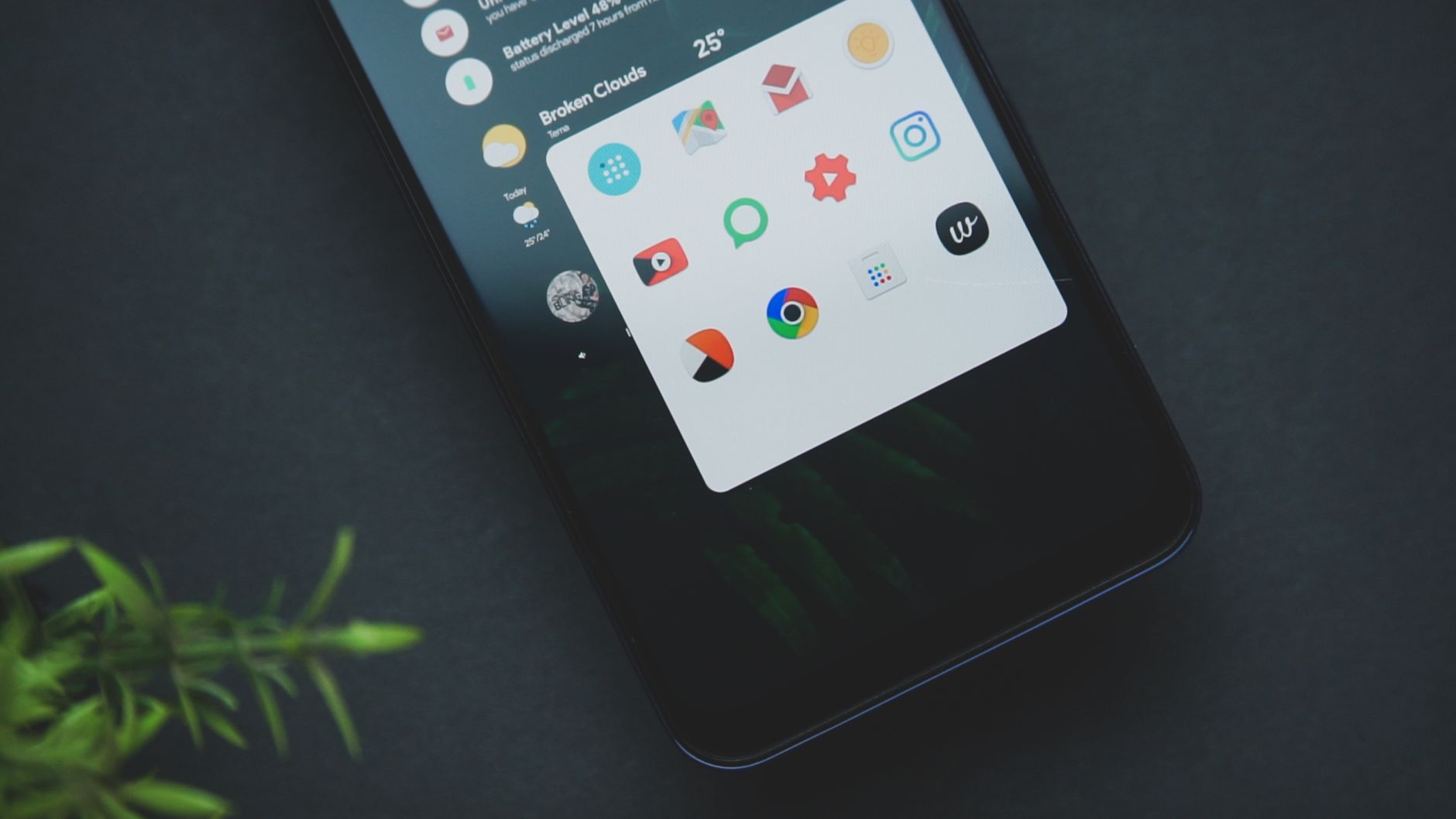
- Customization Options: Users can personalize their devices with new themes, fonts, and icons.
As the ColorOS 17 rollout progresses, OPPO aims to bring these updates to a wider audience, ensuring that eligible phones benefit from the latest advancements in mobile technology.
Key Features of ColorOS 17
The ColorOS 17 rollout introduces several exciting features aimed at enhancing user experience on OPPO devices. Among the key highlights are:
- Enhanced Privacy Controls: Users will benefit from improved privacy options, allowing for better management of personal data.
- UI Customization: A revamped interface offers more personalization options, enabling users to tailor their home screens with unique themes and widgets.
- Performance Optimizations: The latest update includes enhancements that boost system performance and battery life, ensuring smoother operation.
- AI Features: Advanced AI capabilities are integrated into the system, providing smarter suggestions and automation for daily tasks.
- Gaming Mode: An upgraded gaming mode offers gamers an immersive experience with reduced distractions and optimized performance.
These features mark a significant upgrade in the ColorOS 17 rollout, promising to enrich the overall functionality of OPPO smartphones.
Eligible OPPO Phones for Update
The ColorOS 17 rollout is set to include a range of eligible OPPO phones, ensuring that users can experience the latest enhancements and features. Here’s a list of some of the notable devices that will receive the update:
- OPPO Find X6 Pro
- OPPO Find X5 Pro
- OPPO Reno8 Pro 5G
- OPPO Reno7 5G
- OPPO A78 5G
As part of the ColorOS 17 rollout, users can expect improved performance, enhanced privacy features, and a more intuitive interface. The update schedule is designed to ensure that the latest software reaches users in a timely manner, allowing them to take full advantage of the new capabilities offered by ColorOS 17.
Global Rollout Timeline Explained
The global rollout timeline for ColorOS 17 is set to follow a structured approach, ensuring that users receive the update in a timely manner. OPPO has outlined the phases of the rollout, which will initially target flagship devices, followed by mid-range models.
According to the latest information, the rollout will occur in three main stages:
- Phase 1: Starting in early November 2023, users of the OPPO Find X5 and Find X5 Pro will be among the first to experience ColorOS 17.
- Phase 2: By late November, several Reno series models are expected to receive the update.
- Phase 3: The rollout will continue into December 2023, reaching additional eligible devices.
This systematic approach aims to ensure a smooth transition for all users, making the ColorOS 17 rollout a highly anticipated event in the OPPO community.
User Experience Expectations
The ColorOS 17 rollout aims to enhance user experience significantly on OPPO devices. With a focus on personalization and performance, users can expect a smoother interface and improved functionalities. Key enhancements include:
- Refined User Interface: A more intuitive design that makes navigation easier.
- Performance Boosts: Optimizations that ensure faster app launches and overall responsiveness.
- Enhanced Privacy Features: New tools to manage data security and user privacy effectively.
- Advanced Customization Options: More themes and settings to suit individual preferences.
As the ColorOS 17 rollout progresses, OPPO users can look forward to these improvements, which are designed to create a more engaging and efficient smartphone experience.
How to Update Your OPPO Device
Updating your OPPO device to the latest ColorOS 17 rollout is a straightforward process. To ensure a smooth transition, follow these steps:
- Backup Your Data: Before initiating the update, it’s crucial to back up your important files and data to avoid any potential loss.
- Check for Updates: Go to Settings > Software Update. Your device will search for available updates.
- Download and Install: If ColorOS 17 is available for your device, click Download and then Install to begin the process.
- Restart Your Device: Once installation is complete, your device will prompt you to restart. This step is essential for applying the new update.
Following these steps will ensure that you can enjoy the new features and enhancements brought by the ColorOS 17 rollout.
Common Issues and Solutions
As the ColorOS 17 rollout continues, users may encounter several common issues during the update process. Understanding these problems and their solutions can help ensure a smoother transition to the new operating system.
- Battery Drain: After updating, some users report faster battery consumption. To address this, consider recalibrating your battery or checking for power-hungry apps.
- Performance Lags: If your device feels sluggish post-update, try clearing the cache or restarting the phone.
- App Compatibility: Certain apps may not function properly after the update. Ensure that all apps are updated to their latest versions to avoid compatibility issues.
- Wi-Fi Connectivity Problems: If you experience connectivity issues, resetting your network settings can often resolve the problem.
Staying informed about these common issues can empower users to navigate the ColorOS 17 rollout more effectively.
Future Updates and Support
As the ColorOS 17 rollout progresses, OPPO users can expect a commitment to ongoing updates and support for their devices. OPPO has established a roadmap to ensure that eligible devices receive timely enhancements and security patches, thereby improving overall user experience.
Looking ahead, OPPO plans to introduce several feature updates that will refine existing functionalities and add new ones based on user feedback. The company is keen on maintaining its reputation for innovation and responsiveness in the smartphone market.
In addition to regular updates, OPPO emphasizes the importance of community engagement. Users are encouraged to provide feedback through forums and official channels, which will help shape future iterations of ColorOS.
With this approach, OPPO aims to keep its devices up-to-date and relevant, ensuring that users enjoy the latest advancements in mobile technology.
Photo by Emmanuel Jason Eliphalet on Pexels
References
Motorola Edge 70 Max vs OnePlus 15R: Which is Better? · OnePlus 16 Review: Best Phone with Proven Features · AI models control: The Best Way to Ensure Safe Development








Leave a Reply